download app
How to Turn Your Docked Android Phone Into a Dedicated Spotify & Music Display
Focus Dock Team
Focus Dock Core Team · Android Standby Expert
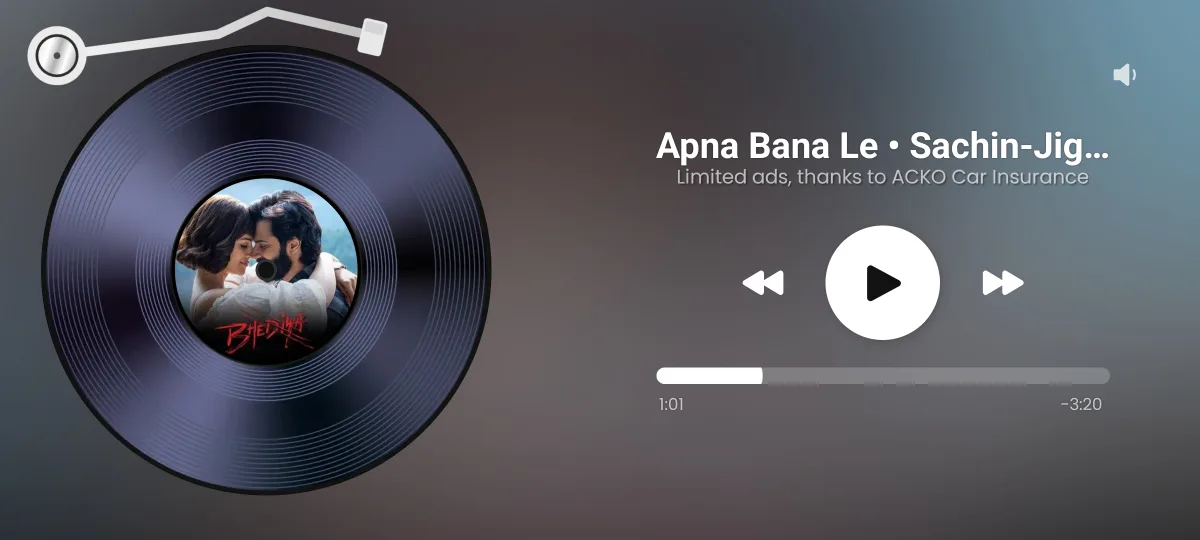
One of the most satisfying elements of a curated desk setup is a dedicated media controller. Having album art, track details, and playback controls visible at a glance eliminates the need to switch windows on your computer or unlock your phone while working.
While hardware like the discontinued Spotify Car Thing gained a cult following, you can achieve an even better, higher-resolution music display right now using an Android phone and Focus Dock.
Why a Dedicated Desk Music Display Boosts Focus
Switching applications on your primary monitor to pause a song or check a playlist creates cognitive friction. Research shows that even a brief 2-second digital distraction can derail deep concentration flow.
By offloading audio controls to an ambient docked Android display:
- Zero App Switching: Change tracks, pause, or check podcast progress with a single physical tap on your desk stand.
- Vinyl Aesthetic: Enjoy the tactile nostalgia of rotating vinyl records and full-resolution album sleeve artwork.
- Zero Cloud API Logins: Unlike web-based widgets that demand your Spotify account passwords and OAuth tokens, Focus Dock reads playback locally and privately.
How the Native Media Controller Works Under the Hood
Most third-party music widgets require complex developer accounts, Spotify Web API tokens, or cloud servers that inspect your listening habits. Focus Dock takes a strict privacy-first, on-device architectural approach:
1. Native Android MediaSession Integration
Focus Dock's MusicNotificationListenerService connects directly to Android's built-in MediaSessionManager. When any audio app plays sound, Android emits local metadata events containing:
- Track title and artist name
- High-resolution album artwork bitmap
- Current track duration and real-time playback position
- Transport capabilities (Can skip next, can seek, can pause)
2. Universal Player Compatibility
Because Focus Dock integrates at the Android operating system level rather than through proprietary streaming APIs, it works seamlessly with virtually every music and audio app:
- Spotify
- YouTube Music
- Apple Music on Android
- Tidal & Amazon Music
- Pocket Casts, Overcast & Google Podcasts
- Audible & local MP3 players (Poweramp, VLC)
Setting Up Your Spotify Standby Display
Setting up your music dock takes just 60 seconds:
- Open Focus Dock and swipe to the Music Player theme.
- When prompted on first launch, tap Enable Media Access and grant Android's native Notification Access toggle.
- Start any playlist on Spotify, YouTube Music, or your favorite audio app.
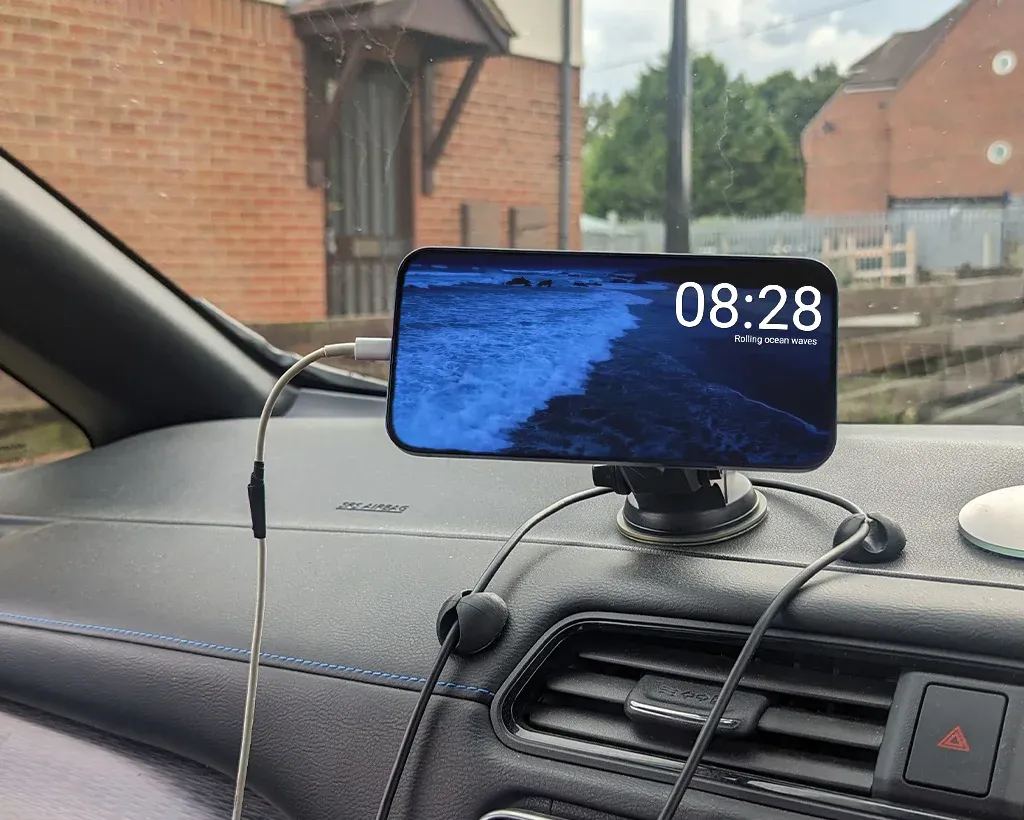
- Place your phone on your desk stand. Watch the album art slide onto the rotating vinyl record with live audio progress tracking.
Privacy Guarantee: Focus Dock never collects your listening history, transmission tokens, or song preferences. Everything remains strictly inside your phone's memory.
Focus Dock is 100% ad-free and respects your battery & display health.